PayPal
 Stripe
 QuickBooks
 Zoom
Zoom Google Meet
 Slack
Slack Zapier
 Mailchimp
How to Use White-Label Customization in ClientRamp
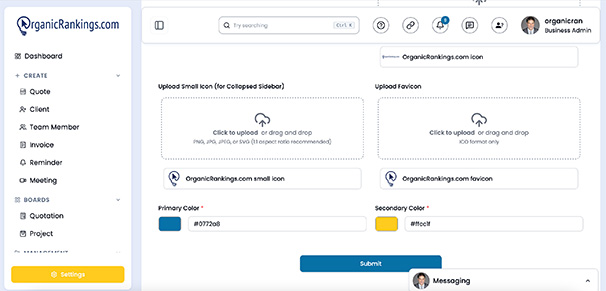
ClientRamp's white-label customization tools let you deliver a polished, professional client experience that looks and feels like your own product. Using a simple copy-and-paste widget, you can embed the client portal directly on your website — no developer required — and configure it with your logo, brand colors, and navigation so that clients always interact with your brand, not ours.
From the moment a client submits a project request to the moment they approve an invoice and sign a contract, every touchpoint they see carries your identity. This is especially valuable for agencies, consultants, and service businesses that want to present an established, enterprise-level operation from day one without investing in custom software development. Inside the portal, clients can track project progress, review and approve quotes, pay invoices, and communicate with your team — all under your brand.
The white-label widget works seamlessly with WordPress, Webflow, Squarespace, Wix, and virtually any other website builder, making setup fast regardless of how your site is built.