PayPal
 Stripe
 QuickBooks
 Zoom
Zoom Google Meet
 Slack
Slack Zapier
 Mailchimp
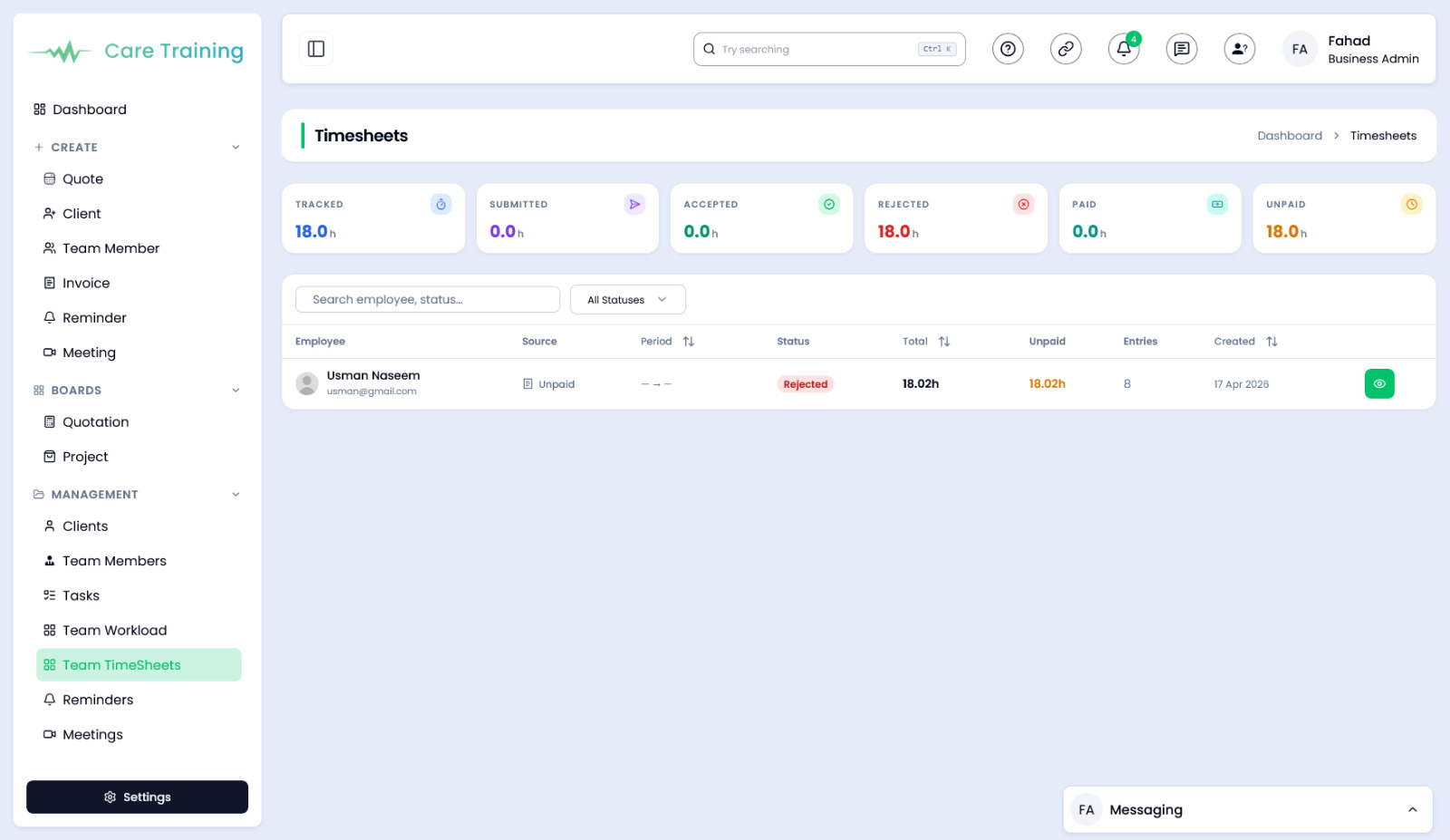
How to use Team Timesheets in ClientRamp
The Team Timesheets tool in ClientRamp gives business owners and project managers complete visibility into how time is being spent across every client and project. Team members can log hours directly from their dashboard using built-in timers, and managers can review, approve, or adjust entries in real time.
Timesheets are organized by project and team member, making it easy to track billable versus non-billable hours, identify bottlenecks, and ensure accurate client invoicing. Whether your team works fixed-price projects or bills hourly, ClientRamp's time tracking tools adapt to your workflow and feed directly into your invoicing process — eliminating manual calculations and reducing billing errors.
By centralizing time data alongside your projects, clients, and invoices, ClientRamp gives you everything you need to run a more profitable and accountable service business.