PayPal
 Stripe
 QuickBooks
 Zoom
Zoom Google Meet
 Slack
Slack Zapier
 Mailchimp
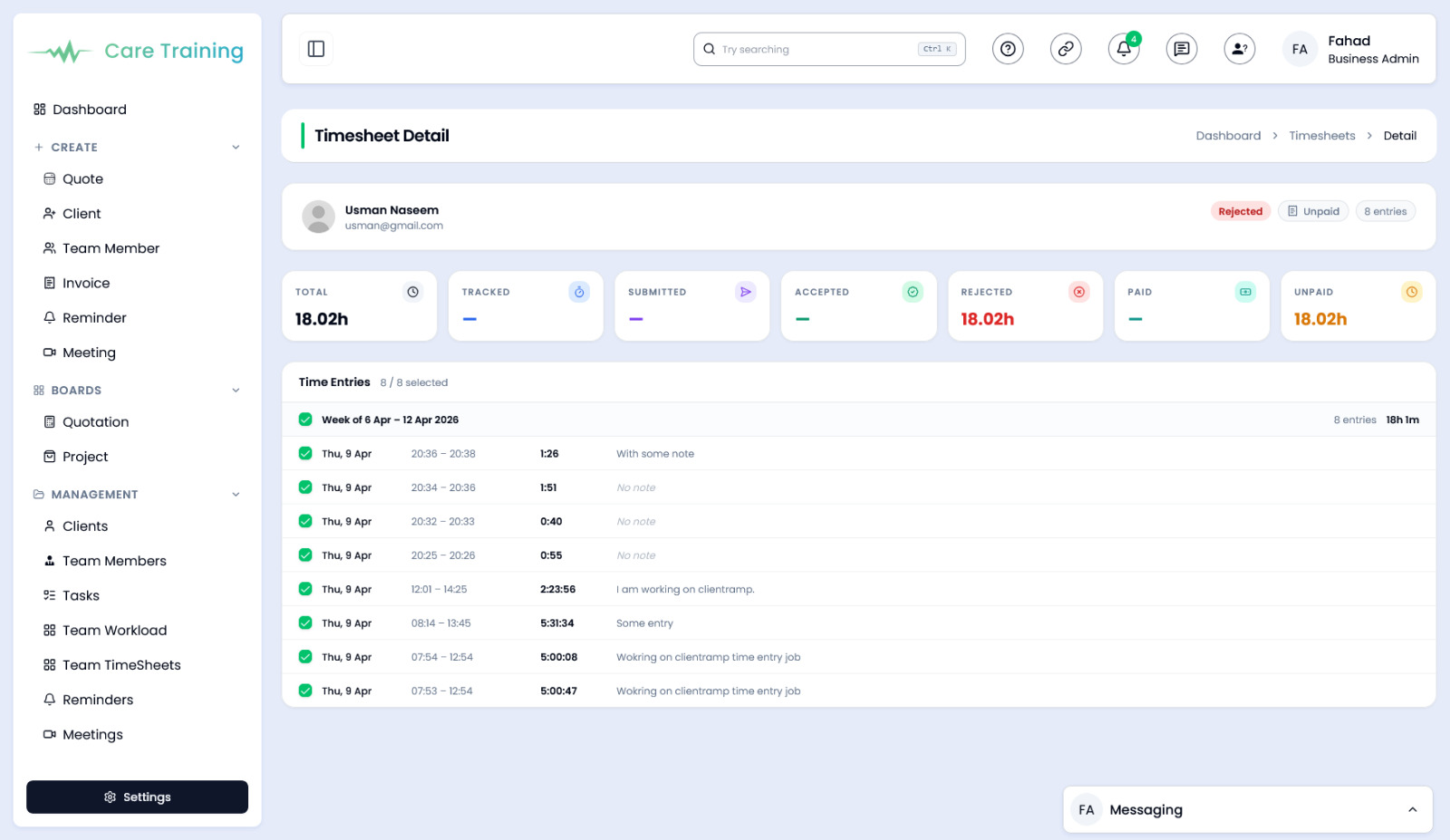
How to use Detailed Timesheets in ClientRamp
The Detailed Timesheets tool in ClientRamp goes beyond basic time logging to give managers and business owners a granular view of exactly where team hours are being spent. Filter and review time entries by team member, project, client, date range, or billable status to get the precise picture you need at any given moment.
Whether you're auditing hours before sending an invoice, reviewing productivity across your team, or identifying which projects are consuming more time than budgeted, the detailed timesheet view puts every data point at your fingertips. Entries can be reviewed and approved by managers before they are locked for billing, ensuring accuracy and accountability at every stage.
All approved hours feed directly into ClientRamp's invoicing system, eliminating double entry and reducing the risk of billing errors. By combining detailed time data with your existing project and client records, ClientRamp gives service businesses the transparency and control they need to protect margins and build client trust.